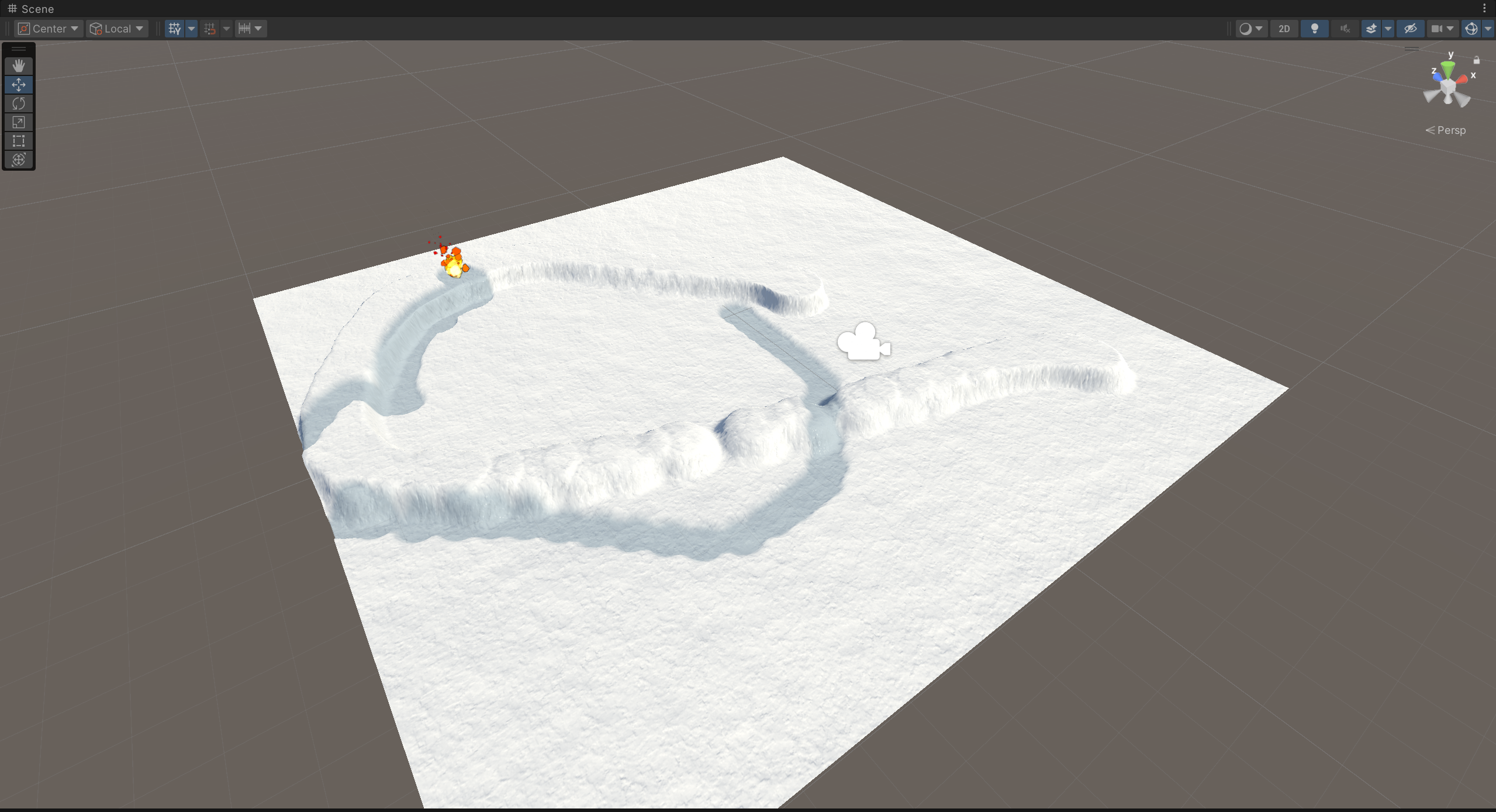
A real-time interactive snow deformation system implemented with custom shaders, enabling dynamic footprints, object interaction, and environmental response.
A traditional approach to simulate snow deformation is to use a heightmap texture to represent the snow surface. The heightmap is updated in real-time using a custom shader that modifies the height values based on interactions.
publicclassInteractiveSnow : MonoBehaviour { public Material snowMaterial; public Material heightMapMaterial; public StepPrint[] stepPrints; private CustomRenderTexture _snowHeightMap; privatereadonlyint _heightMap = Shader.PropertyToID("_HeightMap");
// CRT only can process one step print per frame, so we need to keep track of the index privateint _index = 0;
privatevoidAwake() { // Initialize material var material = new Material(snowMaterial); heightMapMaterial.SetVector("_DrawPosition", new Vector4(-1, -1, 0, 0)); // Don't draw at the beginning // Initialize terrain var terrain = gameObject.GetComponent<Terrain>(); _snowHeightMap = CreateHeightMap(512, 512, heightMapMaterial); terrain.materialTemplate = material; terrain.materialTemplate.SetTexture(_heightMap, _snowHeightMap); _snowHeightMap.Initialize(); }
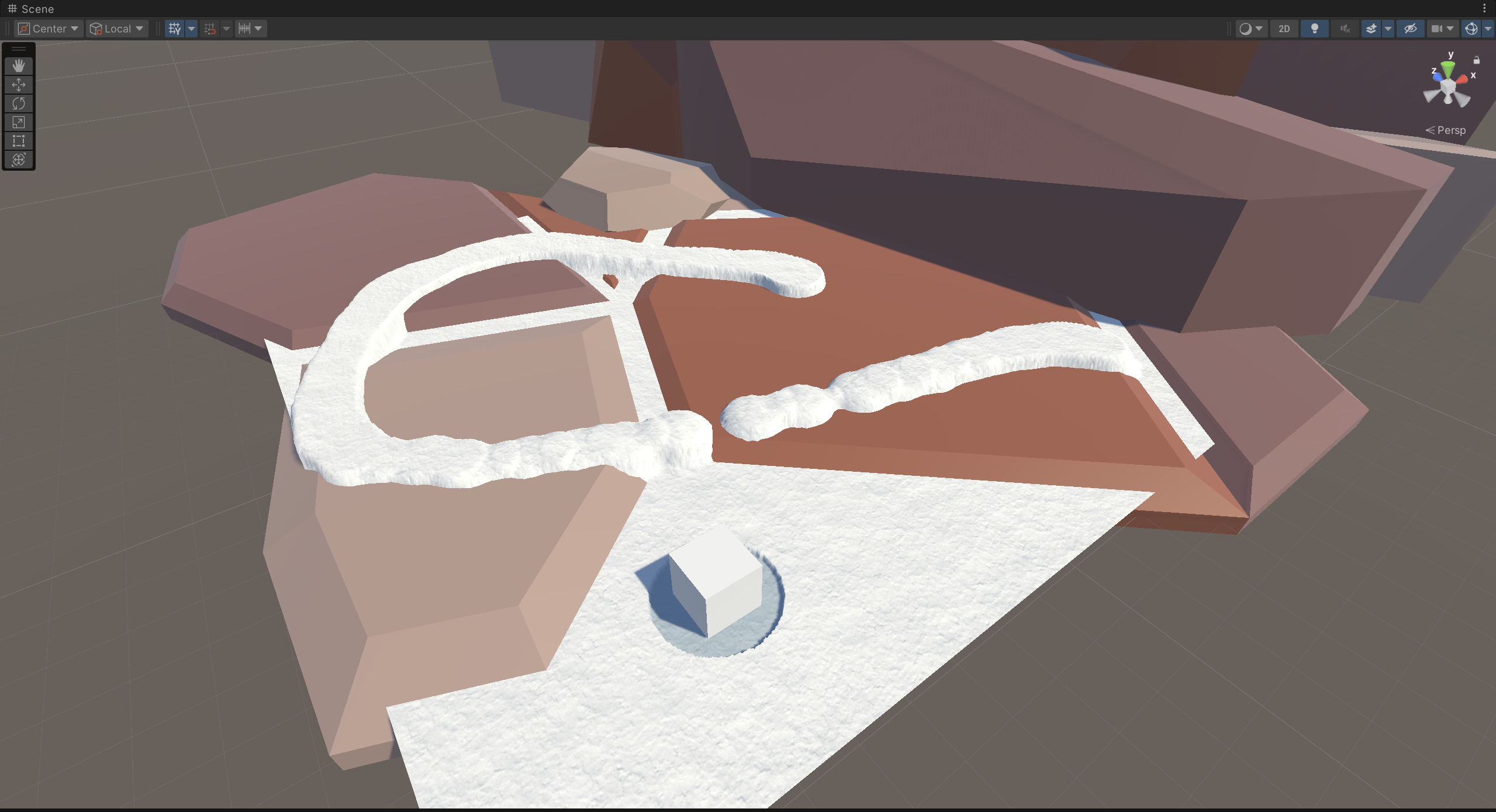
It is a little poor to only render interactive snow on the terrain. We can also apply the snow heightmap to other objects like stones.
Also, we can use many independent terrains to cover all the objects in the scene(such as trees, buildings, etc.) for better visual effects. But be careful about the performance issue when you have too many terrains in the scene.
Create snow from bottom to top and if the object intersects with the snow volume, we can update the heightmap texture by rendering the intersected area from the camera’s view.

 wechat
 alipay